Wir verwenden Cookies, um Ihre Erfahrungen besser machen. Um der neuen e-Privacy-Richtlinie zu entsprechen, müssen wir um Ihre Zustimmung bitten, die Cookies zu setzen. Erfahren Sie mehr.
 Zum Inhalt springen
The Zebra ET401 serie Module Upgrade Cradles from Brodit are designed to withstand frequent wear and tear in professional every day use, providing a more productive working day and better working environment with your device within sight and reach. Safe, efficient and convenient!
The cradle is customized with a perfect fit for devices with or without any expansion back module/handstrap. It has a robust design for use in a normal forklift environment. You have full access to the camera,scanner, buttons and ports while docked. Easy one-hand insertion and removal.
This holder is the perfect choice when you want both charging and USB-Host function for your device. The USB-A port provides up to 1.5A, so even the most demanding barcode scanner, keyboard, sensor or other accessory can be connected directly to the device.
The USB-A port can be powered in two ways: When the holder is connected to an EXTERNAL power source via 12Vdc, the USB-A port outputs 1.5A 5Vdc. When the holder is used WITHOUT an external 12Vdc power source, the USB-A port gives 0.9A 5Vdc. Then equipment connected to the USB-A port is supplied with power from the ET4x.
Easy-switching system:
The easy-switching system enables you to upgrade the holder only, and keep the installed cables. It saves you a lot of time! When upgrading to a new device, you do not longer need to make a full installation. Same goes for maintenance in case of warranty or damage. You simply disconnect the holder from the charging cable via the 6-pin quick connector, and then connect the new holder. The switch is done in a few seconds.
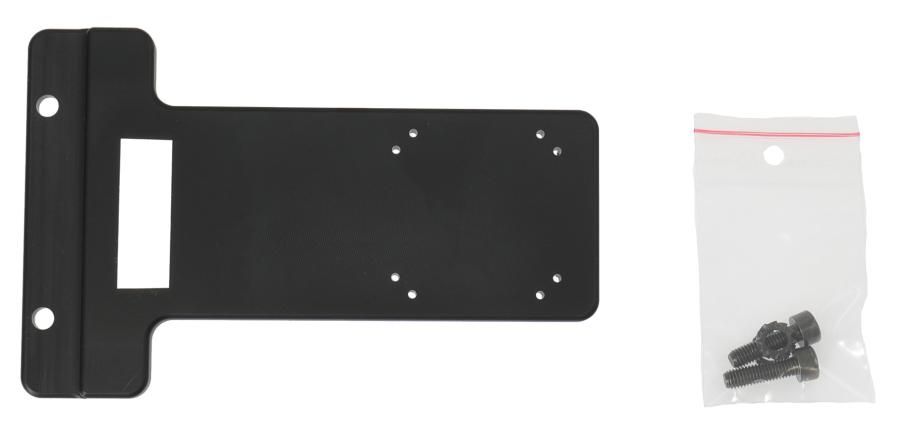
Attach the cradle onto any flat surface or Pedestal Mount in a forklift, truck, distribution vehicle, warehouse, table top etc. With 4 mm AMPS and 4 mm VESA 75 standard holes. Made of high grade ABS-, Acetal-plastic. Color: Black. Made in Sweden.
This is a Module Upgrade Cradle, this means that you can upgrade or replace features by using some of the following modules:
Item no. 217251 Spring stud lock
Choose installation placement with care, devices must not be placed in positions where they may block the view or important controls. The cradle should only be attached onto a suitable place. Installations always take place at the customer's own discretion and responsibility.
| Zubehörmarke | Brodit |
|---|---|
| Empfohlener Verkaufspreis inkl. MwSt | 389,99 € |
| Gerät mit oder ohne Hülle | miet Deckel |
| Module Upgrade Cradle system (MUC) | MUC Cradle |
| Haltereigenschaft | Toestelspecifiek, MUC Cradle |
| Halterungs-Extras | battery add on, usbA host |
| Cable / Qi / charger type / connnector | Molex, fixed install, piggy tail (Easy Switching) |
| Gerät laden über | Pogo / Pins |
| Stromspannung | 12/48V |
| Voltage (output) | 12.6V |
| Max Amperage | 3,0 Amp |
| Montage standaard | AMPS, VESA |
| Halterschloss | Ja mit Schloss |
| Color | zwart |
| Produktinformation | Professioneller Halter mit Drehgelenk für Ihr Smart Device. Störende Bildschirmreflexionen werden durch Einstellen des Halterungswinkels reduziert |
| Item Returns | This item can be returned |